Desert Tortoise Qualifications Toolbox
The system
Two tools that work in tandem
Build your form once, then keep it current as you work.
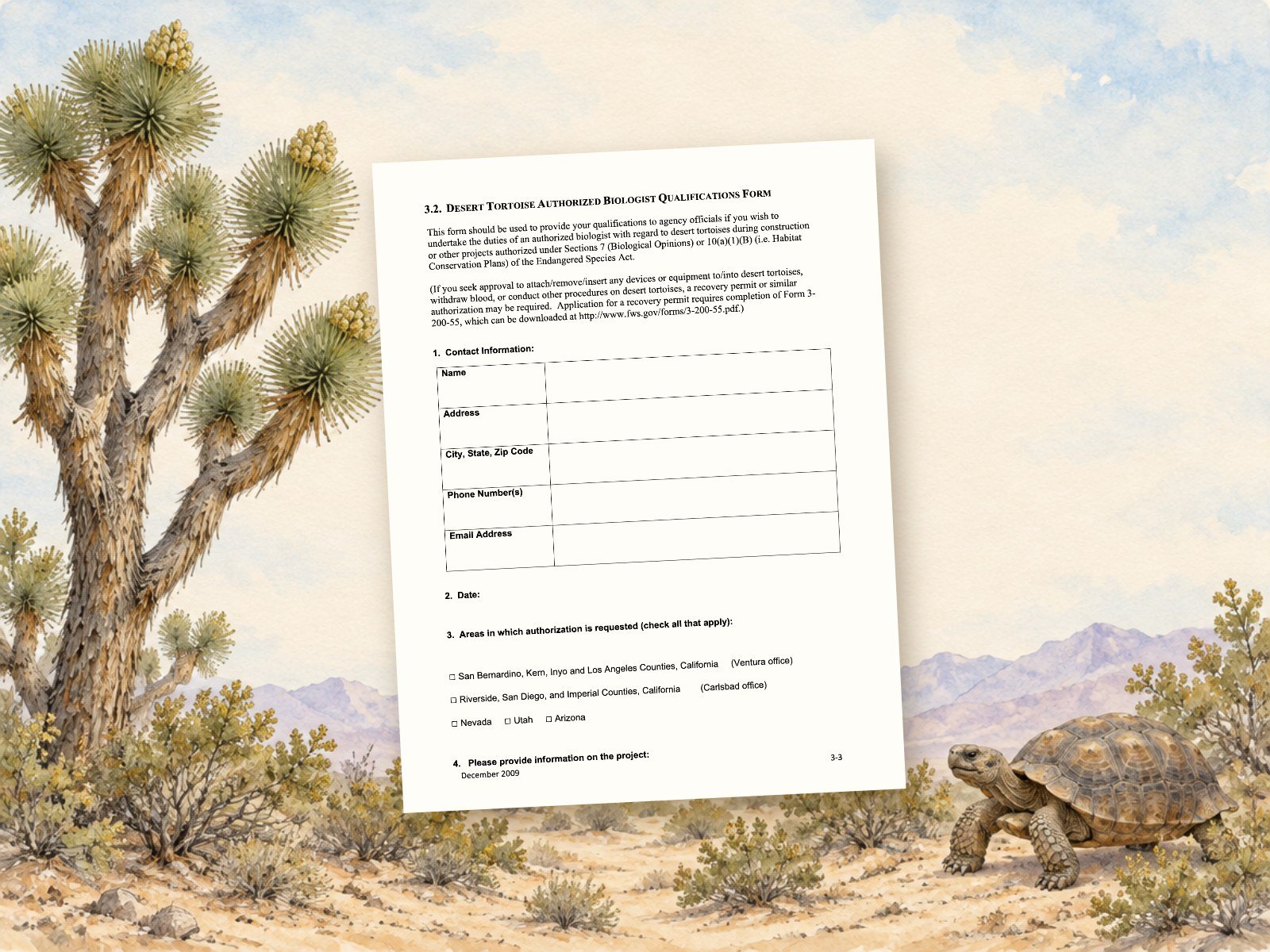
1 · Build your form
Qualifications Form Builder
Upload your current form (PDF) or start new.
Start here. Upload the form you already have (PDF) or fill in a new one, section by section. Totals add up for you, and you download a clean PDF on the official USFWS layout.
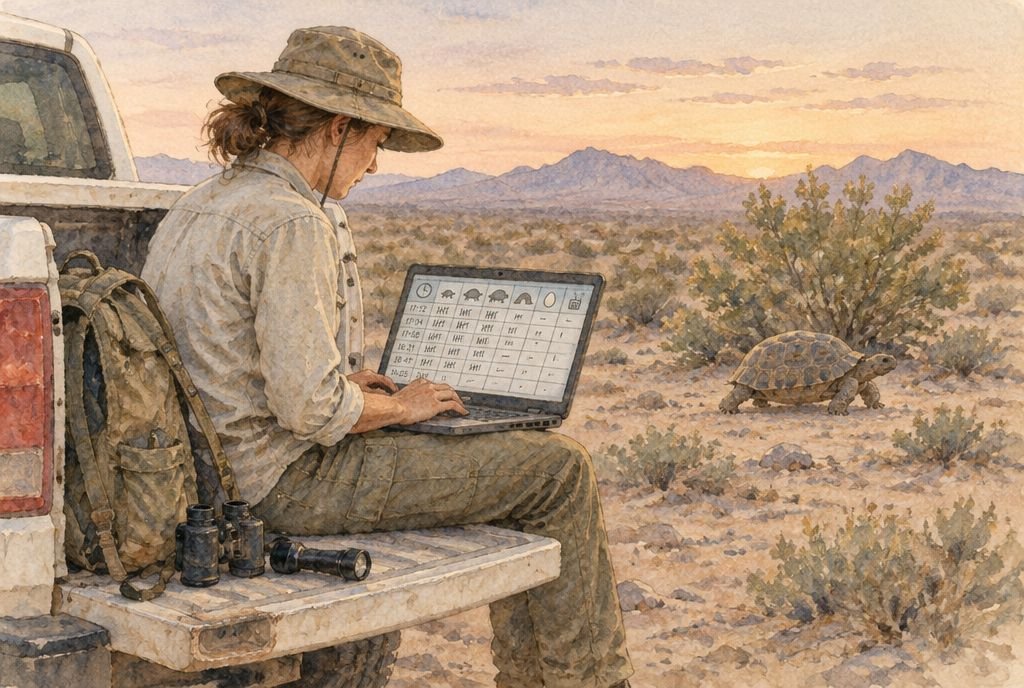
2 · Keep it up to date
Daily Logbook
Log new tortoise work daily or weekly. One tap adds it to your form and calculates your new hour totals.
Log new desert tortoise work daily or weekly: surveys, handling and hours. Tap Fill my form and your logs are added to Section 8a of your form, with your new hour totals calculated for you.
Why not keep doing it by hand?
By hand
With the system
Dig back through field notes and datasheets every time you apply.
Your work is logged the day you do it.
Add up hours and tortoise counts on a calculator.
Totals add up for you.
See a finished example
7 pages, fictional information
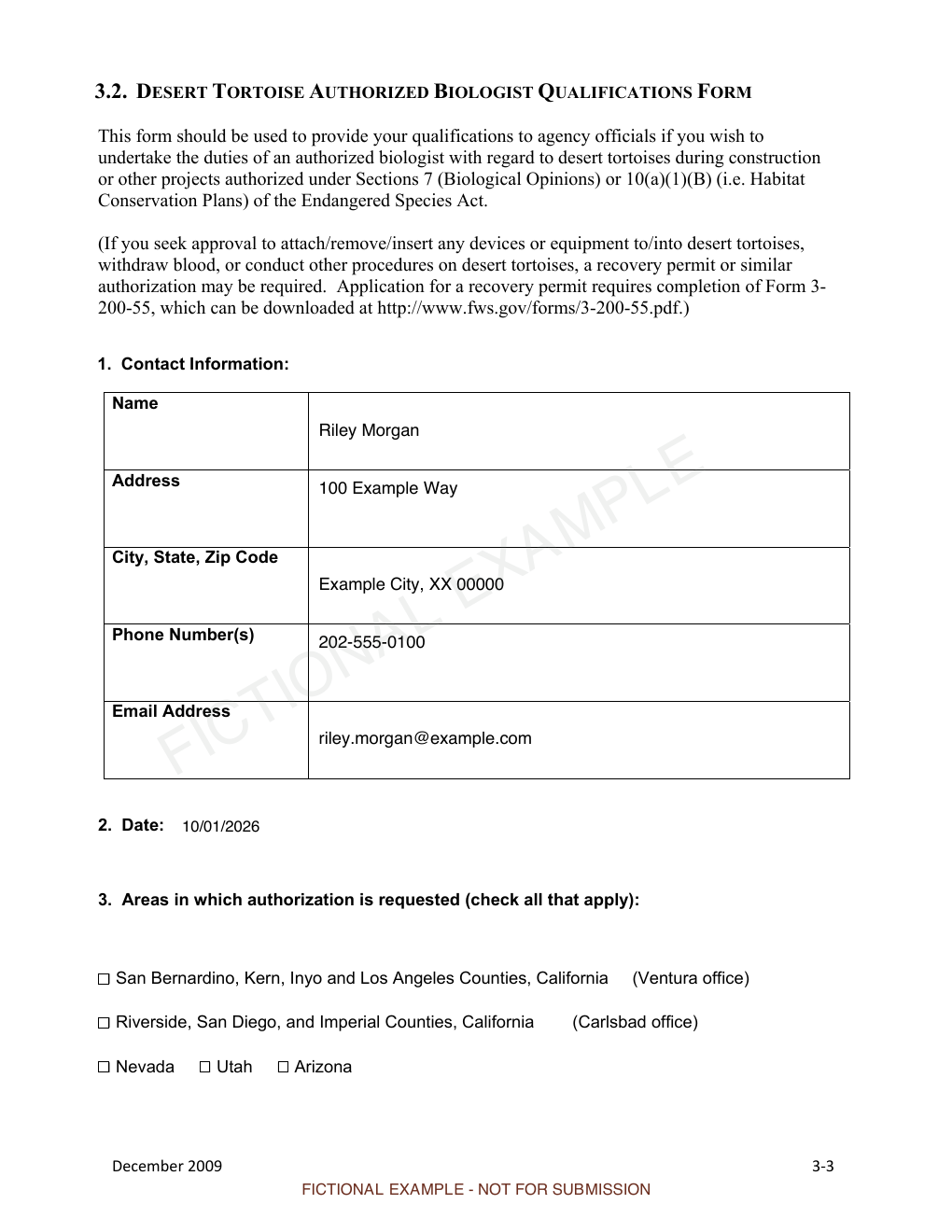
See a finished example
A seven-page form made with the Form Builder using fictional information. It’s unsigned and marked not for submission.
Open all 7 pages →Before you claim it
Is this the right form for me?
It fills the U.S. Fish and Wildlife Service Desert Tortoise Authorized Biologist Qualifications Form (December 2009, Desert Tortoise Field Manual), which you send to the USFWS office for your project. It covers the Mojave desert tortoise range in Nevada, California, Arizona and Utah. California also needs separate approval from the Department of Fish and Wildlife, and Nevada, Arizona and Utah need their own state permit; ask the receiving office what else it wants.
How do the two tools work together?
Start with the Form Builder: import the form you already have or start a new one, then download your PDF. After that, use the Daily Logbook to record surveys, handling and hours as you go, and bring those entries into the Form Builder the next time you update your form. Both tools are included.
Can I see it before I claim it?
Yes. Open the Form Builder and look through every section. Saving entries to your account, downloading a completed PDF and using the Daily Logbook come with your claim.
Can I bring in the form I already have?
Yes. Import your filled-out USFWS qualifications form (PDF) and the Form Builder fills your entries into the matching sections, so you only add what is new. The PDF is read on your device and is not uploaded. Scanned or photographed forms can’t be read; type those entries in instead.
Will I be charged later?
No, not unless you choose to buy. The free claim needs no card, and nothing renews or bills automatically. We’ll email you before your 6 months end; after that you can keep the toolbox by buying it at the price shown then.
What if the beta ends before my 6 months are up?
You keep your full 6 months. They count from the day you claim, not from the end of the beta. Claim by December 31, 2026.
What happens to my forms when the 6 months end?
Download a PDF of every version you submit. When your free period ends, editing and PDF creation stop unless you buy it. Your saved entries can be exported from My purchases for 90 days, then are permanently deleted. Get access again within 90 days to pick up where you left off.
Is this the official USFWS form?
It fills the December 2009 Desert Tortoise Authorized Biologist Qualifications Form from the USFWS Desert Tortoise Field Manual, on the official layout. FledgePoint is not affiliated with USFWS. Confirm with your receiving office which edition it wants.
This toolbox helps you fill out the USFWS form. It doesn’t grant authorization; the agency reviews every application.